 By
Agent Reach is a free, open-source tool that lets AI agents like Claude Code and Codex read the parts of the internet they can’t reach on their own. That means LinkedIn jobs, YouTube transcripts, Reddit threads and posts on X, pulled into the same chat where you already work.
Learning how to install Agent Reach takes about a minute. The harder part is using it well: what to ask for, and how to log in without putting your main accounts at risk. We wrote this guide for founders who research markets, customers and investors with AI.
What is Agent Reach, and what can your agent read with it?
Agent Reach is a command-line tool that installs and tests the readers your agent needs for sites its built-in web search handles badly. Your agent calls it with one command per site, and it answers with clean text instead of a messy web page.
It’s popular for a reason. The project was created on February 24, 2026 and had 112,727 stars on November 17, 2026 (GitHub). It’s MIT-licensed, so it costs nothing to use.
The Agent Reach README lists 14 platforms in three levels. Five work right after install, six optional ones turn on when you ask, and three are experimental. Here are the ones most founders will touch:
| Platform | What your agent can read | Login needed? |
|---|---|---|
| GitHub | Repos, READMEs, issues and pull requests with comments | No |
| YouTube | Video info, search, subtitles, speech-to-text | No (speech-to-text needs a Groq or OpenAI key) |
| Any web page | Web search and page reading | No |
| LinkedIn (optional) | Job search and job details | Public jobs: no. Search inside LinkedIn: yes |
| Reddit (optional) | Posts, comments and whole subreddits | Yes |
| X, Instagram, Facebook (experimental) | Posts, profiles and search | Yes, and they can break at any time |
The rest of the 14 are Chinese platforms such as Bilibili, V2EX and Xiaohongshu. If you don’t need them, you can ignore them.
One thing we’d point out early: it only reads. That’s the reason we’re comfortable recommending it to founders at all.
How do you install Agent Reach in Claude Code or Codex?
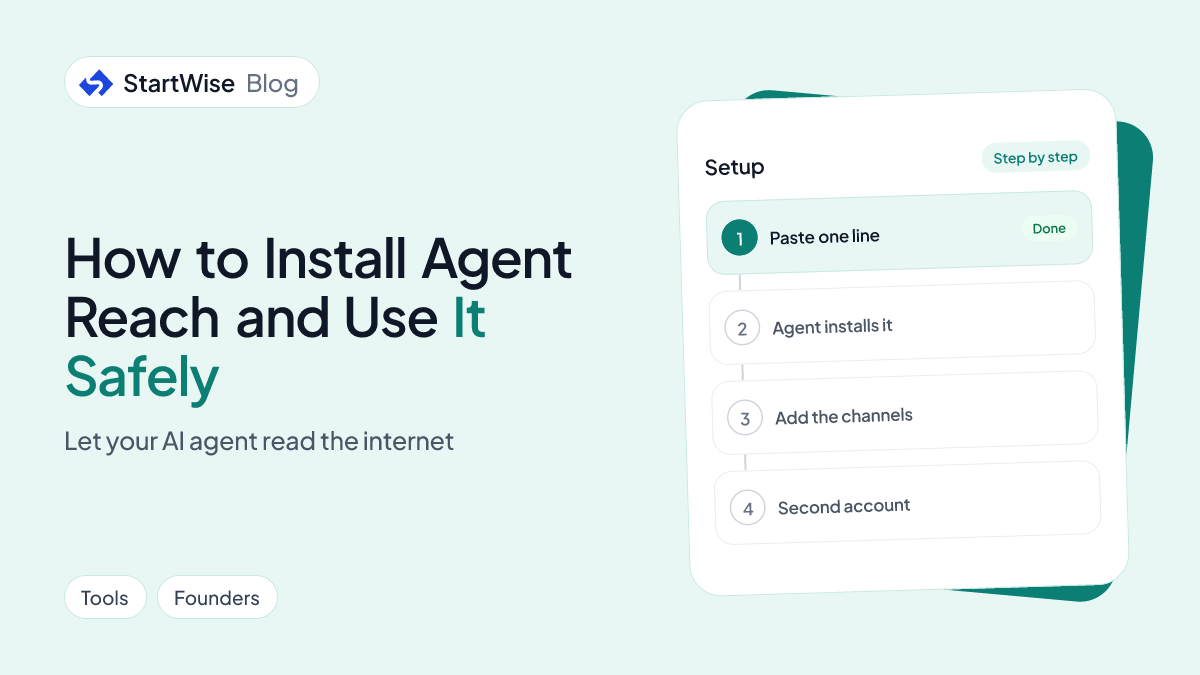
You install Agent Reach by pasting one line into Claude Code or Codex, and the agent does the rest. The line comes straight from the project’s Quick Start:
Install Agent Reach: https://raw.githubusercontent.com/Panniantong/Agent-Reach/main/docs/install.mdThat’s the whole Agent Reach Claude Code setup, and Codex works the same way. Here’s what happens after you send it, per the install guide:
- Your agent checks whether it can run terminal commands. If it says it can’t, turn on command execution in its settings and ask again.
- It installs uv, a small tool that installs command-line programs, if you don’t have it. No admin password is needed.
- It installs Agent Reach from the project’s GitHub release and runs its setup, which turns on the five default channels.
- It shows you a report of what works now and which optional channels you can add.
The same line upgrades an older install, so you never need a second command.
One warning matters more than any step. The PyPI package named agent-reach is not this project, and the README tells you not to install it from PyPI. Only use the link on the Agent Reach GitHub page.
How do you pull research from LinkedIn, YouTube, Reddit and X in one place?
You pull research from all four by asking your agent in plain words, once the right channels are on. Say “add LinkedIn” or “add Reddit” and Agent Reach installs what that channel needs; X stays experimental, so expect it to fail some days.
These are the prompts we’d start with as a founder:
- “Find the most discussed Reddit threads about [your problem] from the last year and list the complaints people repeat.”
- “Get the transcript of this YouTube talk [link] and pull out every number the speaker gives.”
- “Read the last 20 posts from [investor] on X and tell me which sectors and stages they keep coming back to.”
- “Search GitHub for open-source tools that solve [your problem] and compare when each was last updated.”
Reddit is the one we’d set up first. It’s where buyers complain in their own words, and those words make better landing-page copy than anything you’ll write alone.
The investor prompts pair well with building a qualified pre-seed investors list. Reading what a partner posts tells you more about fit than a database tag does, which is the same logic behind finding a lead investor.
A transcript is free when the video has subtitles. Speech-to-text for videos without them needs your own Groq or OpenAI key, per the README.
How do you find companies hiring for the exact problem you solve?
You find them by searching LinkedIn jobs for the problem, not the product. A company that posts a job to fix a problem today has the pain and the budget today, and that’s the timing a cold message needs.
Agent Reach’s LinkedIn channel searches jobs and reads job details, and public jobs need no login at all (Agent Reach README). So this works before you set up any account.
Try this sequence in your agent:
- “Add LinkedIn to Agent Reach.”
- “Search LinkedIn jobs for roles that mention [the task your product does], in [your market].”
- “Read each job description and list the company, the role, and the exact sentence that describes the problem.”
- “Rank them by how closely that sentence matches what [your product] does.”
A job post is a public statement of a problem. We’d rather start outreach from that sentence than from a guess about what a company might need.
StartWise's position
Buy the tool for the job that is stuck. Finding names, judging fit, reaching people, tracking replies and preparing materials are five different jobs. A free research tool like this one handles finding and judging; most founders who stall after that are stuck on reaching people, not on finding them.
Got your list of companies hiring for your problem? Reach them from one sequence across email and LinkedIn, sent from your own accounts.
Is Agent Reach safe to use with your accounts?
Agent Reach is safe to the extent its design allows: it’s read-only and never asks for your password. The risk sits with the sites, which may restrict accounts used for automation, so a second account is the real safeguard.
Here’s what the README’s security section says it does and doesn’t do:
- It searches and reads; it never posts, comments, likes or sends messages.
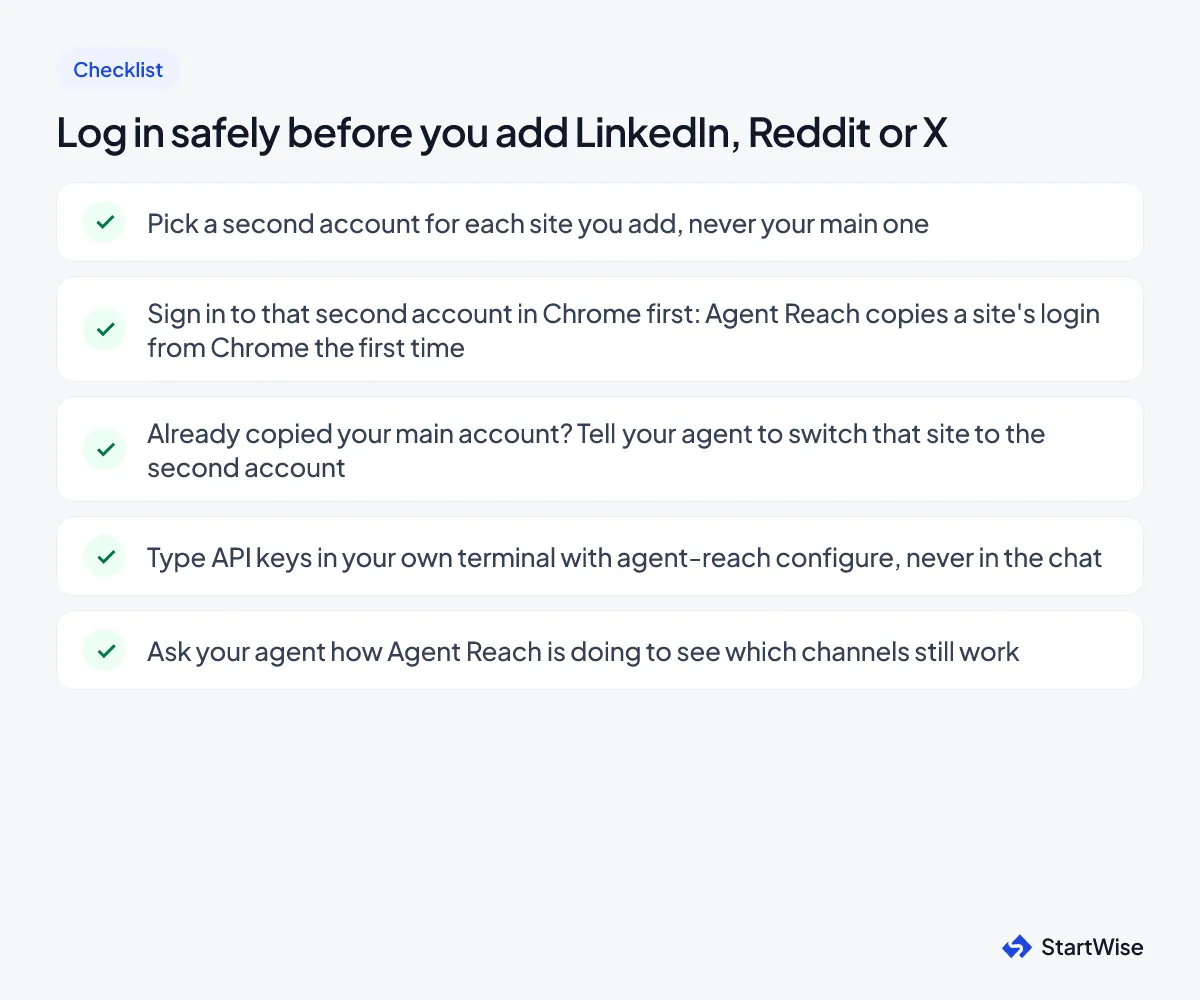
- It never logs in for you. A login window opens only when you need to sign in again, and you do it yourself.
- The first time it uses a site, it copies that one site’s login from your Chrome. Your browser isn’t changed and passwords aren’t read.
- API keys go in your own terminal with
agent-reach configure groq-key, never in the chat.
That third point is the one to plan around. The copied login is usually your main account, and the README says platforms may restrict accounts used for automation.
Use a second account for every site you log in to. Your main LinkedIn isn’t worth the risk.
We’d treat X, Instagram and Facebook as nice-to-haves. They’re experimental, the platforms fight automation harder, and the README says they can break at any time.
One last check: the project says it has no official token, coin or wallet connection. Anything using the Agent Reach name to ask for a wallet isn’t theirs.
What to do this week
Set it up in one sitting, then put it to work on one real question. Here’s the order we’d follow:
- Paste the install line into Claude Code or Codex and read the report it gives back.
- Ask your agent “How is Agent Reach doing?” to see which channels work.
- Add LinkedIn and run the hiring search for your problem. Public jobs need no login.
- Before you add Reddit or X, set up second accounts using the checklist above.
- Pick the 10 strongest companies from the hiring search and write to the person who posted each job.
If you’re raising instead of selling, run the same research on investors, then see which fundraising tools are worth setting up and how to write a cold email investors answer.
