
 By
By 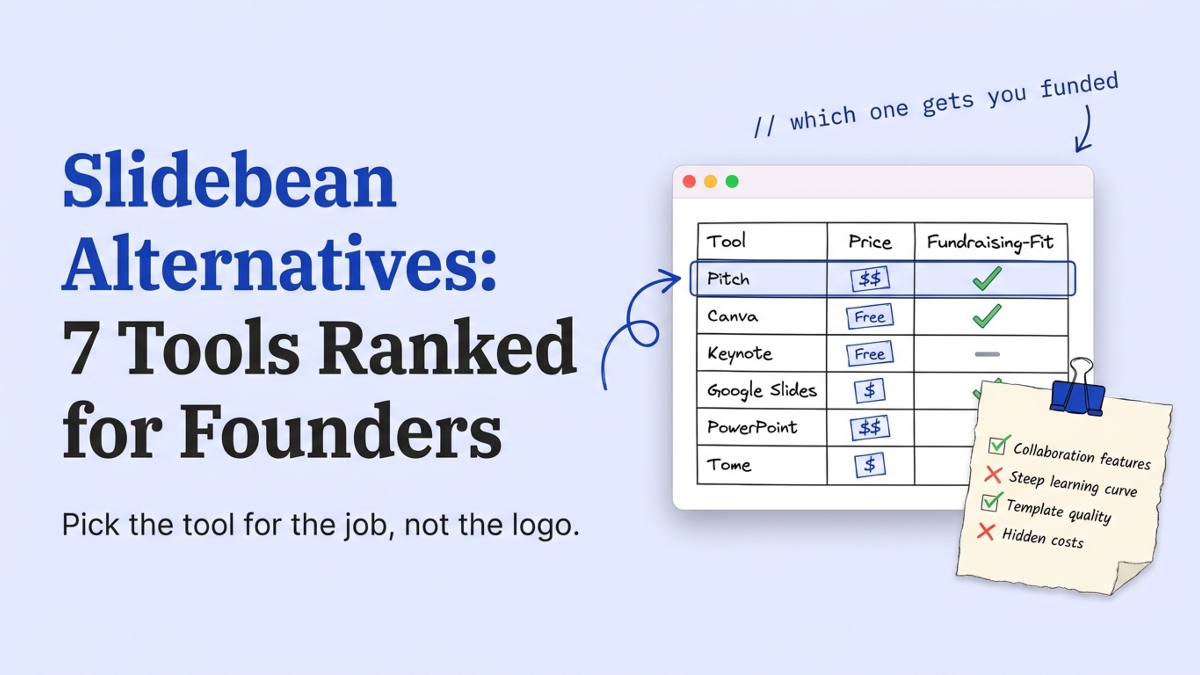
A Slidebean alternative is any tool a founder picks instead of Slidebean to build, design, or share a pitch deck. The real list in 2026 splits into four jobs: design polish, AI first drafts, tracked sharing, and getting the deck investor-ready. We review founder decks every week at StartWise, and the reflex to switch tools when a raise stalls is one of the most common moves we see. It rarely helps. Here’s the honest breakdown, grouped by the job you actually need done.
What are the best Slidebean alternatives in 2026?
The best Slidebean alternatives in 2026 depend on the job: Gamma, Canva, and Beautiful.ai for design, Pitch and Storydoc for tracked sharing, and Pitch Deck Doctor when the goal is an investor-ready deck. The table ranks them by what they do for a raise, not by how many templates ship in the box.
| Tool | Best for | Starts at (2026) | Reviews your content? |
|---|---|---|---|
| Pitch Deck Doctor (StartWise) | Making a deck investor-ready | Free | Yes, slide-by-slide. Check your deck free → |
| Slidebean | Investor-structured templates + AI builder | $7/mo | No |
| Gamma | A fast AI first draft | Free | No |
| Beautiful.ai | On-brand auto-design | $12/mo | No |
| Canva | Free design flexibility | Free | No |
| Storydoc | Interactive, tracked decks | $30/mo | No |
| Pitch | Team decks with view analytics | Free | No |
Prices come from Slidebean’s own pricing page and LivePlan’s 2026 roundup, both checked this week. One pattern jumps out of that last column, and it’s the column we actually grade on when a deck lands in our review queue. Six of the seven make slides. Only one reads them.
Why do founders look for a Slidebean alternative?
Founders look for a Slidebean alternative mostly on price and fit. Slidebean’s Starter plan is $7 a month, but the Accelerate tier that adds strategy calls and monthly feedback sessions runs $99 a month (Slidebean, 2026). That $99 number is what usually sends people shopping.
To be fair, Slidebean earns its place. It pairs investor-structured templates with an AI builder, financial modeling, and an investor finder, so a lot of the raise lives under one login. If you want that bundle and you’ll use the feedback calls, staying put is a reasonable call. We’d tell a founder who genuinely wants the monthly sessions to keep paying for them.
The trouble is the founders we see rarely use the expensive parts. They pay for Accelerate, build a deck, and send it. For that, a $7 plan or a free tool does the same work. The deck that comes out is only as good as the thinking you put in, and no tier upgrade changes that.
Design-first alternatives: what Gamma, Canva, and Beautiful.ai do well
Gamma, Canva, and Beautiful.ai are the design-first alternatives, and each one is genuinely good at making slides look professional fast. Gamma drafts a clean deck from a prompt and starts free (we go deeper in StartWise vs Gamma). Canva gives you the biggest template library, also free. Beautiful.ai auto-formats as you type from $12 a month (LivePlan, 2026).
Pick any of them on taste and budget. Honestly, at pre-seed the difference between them barely matters.
What none of the three does is tell you whether the deck works. We’ve watched each of them format a market slide built on a $1 trillion TAM and a problem slide nobody feels, and the output looked lovely both times. The design job and the content job are separate, and these tools only touch the first:
- Gamma: fastest from blank page to a shareable draft
- Canva: most creative freedom, but you do more of the design yourself
- Beautiful.ai: cleanest auto-layout if brand consistency matters to you
Which alternatives add tracking and interactivity?
Tracking and interactivity come from Storydoc, Pitch, and Visme. Each adds something the pure design tools skip once you’re ready to send (LivePlan, 2026):
- Storydoc: scrolling web decks with per-section engagement analytics, from $30 a month
- Pitch: free team collaboration plus per-slide view tracking
- Visme: data-rich, chart-heavy decks for a numbers-forward pitch
These are useful once the deck is written and you’re sending it to real investors. Seeing who opened your deck and where they dropped off beats guessing, and we push founders toward tracked links over email attachments for exactly that reason.
But the analytics measure attention, they don’t earn it. If an investor spends 23 seconds on your first slide and leaves (Papermark, 2024), a tracking dashboard tells you it happened. It won’t tell you the title was vague or the ask was missing. That’s a different tool and a different job. The read-out is only useful if you already know how to fix what it flags.
Do you need to pay for a deck tool at pre-seed?
Most pre-seed founders don’t need to pay for a deck tool at all. Canva, Google Slides, and Gamma’s free tier each cover design well enough to send a clean deck to investors (LivePlan, 2026). We tell first-time founders to start free and upgrade only when a specific limit actually blocks them.
Paid tiers earn their keep in narrow cases. You hit an export cap, you want real-time collaboration with a co-founder, or you need the fundraising-specific extras Slidebean bundles in. None of those is the reason a deck gets a meeting.
So spend the money you saved on something that moves the raise: a second opinion on the content. A free review next to a free builder beats a $99 plan for most founders we see at this stage.
Will switching deck tools actually help you raise?
Switching deck tools almost never changes whether you raise. This is the part every vendor list skips, because every one of them is selling a tool. We’ll say it plainly instead.
StartWise's position
After reviewing founder decks every day, our take is blunt: a new template has never turned a pass into a term sheet. Decks die on the skim, in the first 90 seconds, when the titles and numbers do not carry the story. Sharper content fixes that. A nicer tool does not.
The data backs the skim problem. Investors spend about 3.2 minutes on a full deck and 23 seconds on the first slide (Papermark, 2024), reading titles and numbers, not fonts. We see the same thing in the review room every week: the deck that stalls has a buried problem, a vanity traction number, or an ask with no milestone attached. A fresh set of templates leaves all three exactly where they were.
The tool makes your deck prettier. It can’t make your problem slide land.
So treat the builder as a commodity. Spend ten minutes choosing it, then spend your real time on what investors read. If you want the proof, look at how long investors actually spend on a deck before you decide the font was the problem.
Picked a new deck tool? Make sure the deck inside it actually lands.
Which Slidebean alternative should you pick?
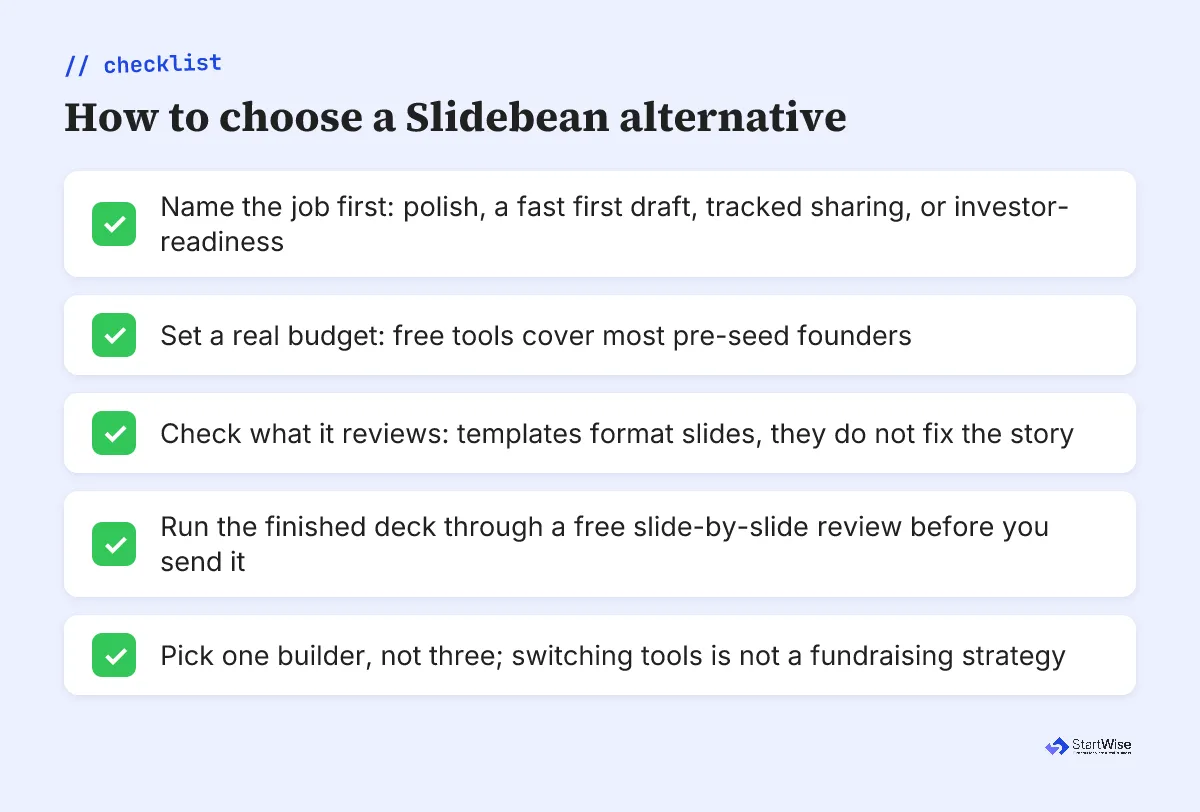
Which Slidebean alternative you should pick comes down to your budget and the job in front of you. Here’s the short version by situation:
- On a tight pre-seed budget: Canva or Google Slides, both free, then a free review.
- Want a first draft fast: Gamma’s free tier gets you a shareable deck in an afternoon.
- Sending to many investors and want tracking: Pitch (free) or Storydoc ($30/mo).
- Want fundraising-specific templates plus a model under one login: stay on Slidebean’s $7 plan.
- Whatever you choose, run the finished deck through a free slide-by-slide review before you send it.
If you’re weighing the whole stack rather than one builder, our best AI pitch deck generators roundup scores tools on investor-readiness, and the StartWise vs Slidebean comparison goes deep on that one head-to-head.
What to do this week
This week, stop tool-shopping and name the job. Pick one builder from the table and give yourself a single afternoon to draft in it, not a week to compare five. You’ll ship faster and keep your energy for the part that moves the needle.
Then do the work the builders won’t. The decks we see climb from a pass to a second look when the founder sharpens the skim, long before anyone touches the theme. Read your own deck that way: do the slide titles alone tell the story, and does the first slide earn its 23 seconds? If you’re not sure, get a second read on what a pitch deck review checks and fix the content before you obsess over the pixels.
The tool is a commodity. Your story isn’t. Spend accordingly.